
Tool calling: what it means in plain terms
Why this is worth knowing
- To understand where a system gets a company's current data, and why it has none without tools
- To tell apart a bot that replies in text from a system that opens a ticket in the books
- To ask a vendor for the list of tools and the access rights attached to each
What is tool calling in plain terms
A service adviser at a car repair shop does not keep warehouse stock in their head. They listen to the customer, turn to the monitor, and check whether the part is available. The answer comes from two sources: personal experience and a query to a system.
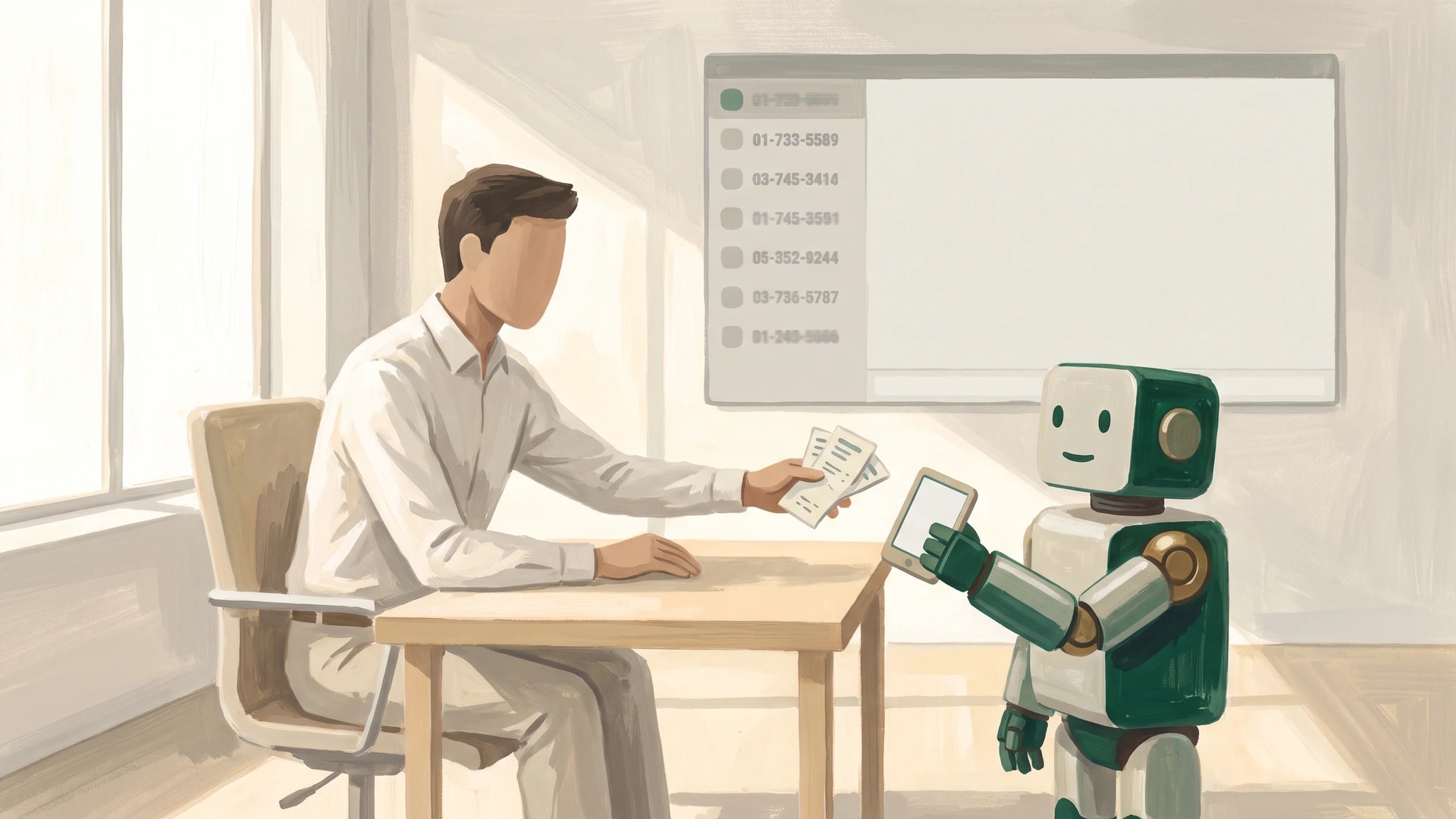
A model works the same way. On its own it holds its training and the text of the request. Everything else arrives through a tool call — a short command aimed at an external program.
A tool might be a search across a knowledge base, a payment status lookup, ticket creation, or sending an email. The action itself is performed by the company's software. The model composes the request, the system executes it, and the result comes back into the conversation.
How it works
- Tools are described in advance. Each one gets a name, a purpose, and a list of parameters. The description is written in words, not code: this is what the model selects on.
- Descriptions travel with the request. The list of available actions takes up room in the context window and is billed as input tokens. A long list costs more on every single request.
- The model picks a tool and fills in the parameters. What comes back is a structure: the tool name and the field values. This message is never shown to a person.
- The company's software executes the command. Permission checks, limits, validation all happen on its side. The model asks; the system authorizes.
- The result is returned to the model. It reads the tool's response and assembles a human sentence from it. The cycle repeats until the task is closed.
The length of the chain deserves separate attention. Every turn adds seconds of waiting and input volume. Where calls run past five, redesigning the process usually beats piling on more tools.
An example from practice
The walkthrough below is a typical scenario for a telecom operator, not a report on a live deployment. A subscriber writes to support: the payment went through, the service did not switch back on.
Without tools, the model answers in generalities about crediting times. The subscriber goes to a human operator, and the request counts as unresolved. A conversation happened; nothing was recorded.
With tools, the same conversation looks different. The first call pulls the subscriber record by contract number. The second pulls the status of the latest payment from billing. The third opens an unblocking ticket if the payment was credited while the service stayed shut off.
Read access is opened broadly, write access narrowly. The model proposes the unblocking; an operator confirms it with a single button. Every call is written to a log: tool name, parameters, system response. That log is what disputed cases are settled against a week after launch.
What this gives a business
- Answers rest on current data. The rate of hallucinations drops wherever a fact is fetched by query rather than reconstructed by the model from memory. This is verified by checking answers against a system export on a fixed sample of requests.
- The conversation ends in an action. A ticket is open, a status is updated, an email has gone out. The work the person came for is closed inside the conversation itself.
- Permissions stay in the system. A tool hands back exactly what the role allows and logs every request. The access perimeter does not widen just because a model now sits next to it.
- Rollout goes piece by piece. Two or three read-only tools first, then the first write action behind a confirmation. Whether a process is ready for this kind of breakdown can be checked with a checklist, and the model's role in the design is covered in the piece on AI agents.
When this can be skipped
Tasks where all the material already sits in the request need no tools. Summarizing a document, drafting an email, translating, analyzing a pasted text — the model handles these in a single pass. A list of tools bolted on here only makes the request more expensive.
The second case is a rigid scenario with no branches. If the action is always the same and starts at the press of a button, a direct integration between systems is cheaper. A model earns its place where it is not known in advance which step a given request will need.
What is worth checking
First: behavior when a tool fails. Billing does not always answer, a database can be unreachable, a response can come back empty. This is tested on a staging environment with the service deliberately switched off — the model must report the failure rather than invent a payment status.
Second: the line between reading and writing. Irreversible actions — payments, deletions, sending documents to a customer — are gated behind human confirmation or not delegated at all. The list of such tools is agreed before development, not after.
Third: a call log from day one. It holds the tool name, the parameters filled in, and the system response for every request. Without a log, a disputed case cannot be settled and the quality of tool selection cannot be measured.
Frequently asked questions
What is tool calling in plain terms
It is a mechanism where the model, instead of replying in prose, returns a command aimed at an external program: a tool name and a filled-in set of parameters. The company's own systems execute that command, the result comes back into the conversation, and the model builds its answer from it. This is how current data reaches an answer and how actions get performed in systems of record.
How does this differ from an ordinary chatbot
A chatbot without tools can only draw on its training and on the text of the request. Warehouse stock, payment status, shipping date are all out of reach. With tools, a conversation ends not with a sentence but with a record in a system: a ticket opened, an email sent, a status updated. The difference shows up in whether the conversation leaves a trace in the books.
Who writes the tool descriptions for the model
The implementation team writes them together with the process owner. Each tool gets a name, a purpose, and parameters spelled out in human language: the model chooses based on the description. Half of all selection errors are cured by rewriting the description rather than by switching models. The list of tools and the access rights attached to each are worth requesting from the vendor before work begins.
What should be done when the model calls the wrong tool
Start with the call log: which description the model read and which parameters it filled in. Next, sharpen the wording of the purpose, add examples of appropriate and inappropriate cases, and trim the list of available tools. The longer the list, the more often the choice misses. Testing runs on a fixed sample of typical requests, before the change and after.
Which actions must never run without human confirmation
Anything irreversible: payments, deleting records, sending documents to a customer, changing contract terms. Such tools are either gated behind operator confirmation or left entirely to people. Permissions are checked by the system on its own side, not by the model reading a description. Read access is usually opened broadly; write access, narrowly and with a log.
Let’s discuss your project?
Tell us about your process — we’ll suggest where AI pays off fastest.
Related articles
What Is an AI Agent, and How Does It Differ from a Chatbot
An AI agent is a program built on a language model that receives a goal stated in plain words, chooses its own steps, calls the tools it needs, and carries the task through to a result.

What Agentic AI Is and Where It Pays Off Fastest
Agentic AI is a system that carries a multi-step task through to the end on its own: it decides what to do next, calls the services it needs, and delivers the result.